
Sign In
By signing in or creating an account, you agree with Associated Broadcasting Company's Terms & Conditions and Privacy Policy.
By signing in or creating an account, you agree with Associated Broadcasting Company's Terms & Conditions and Privacy Policy.
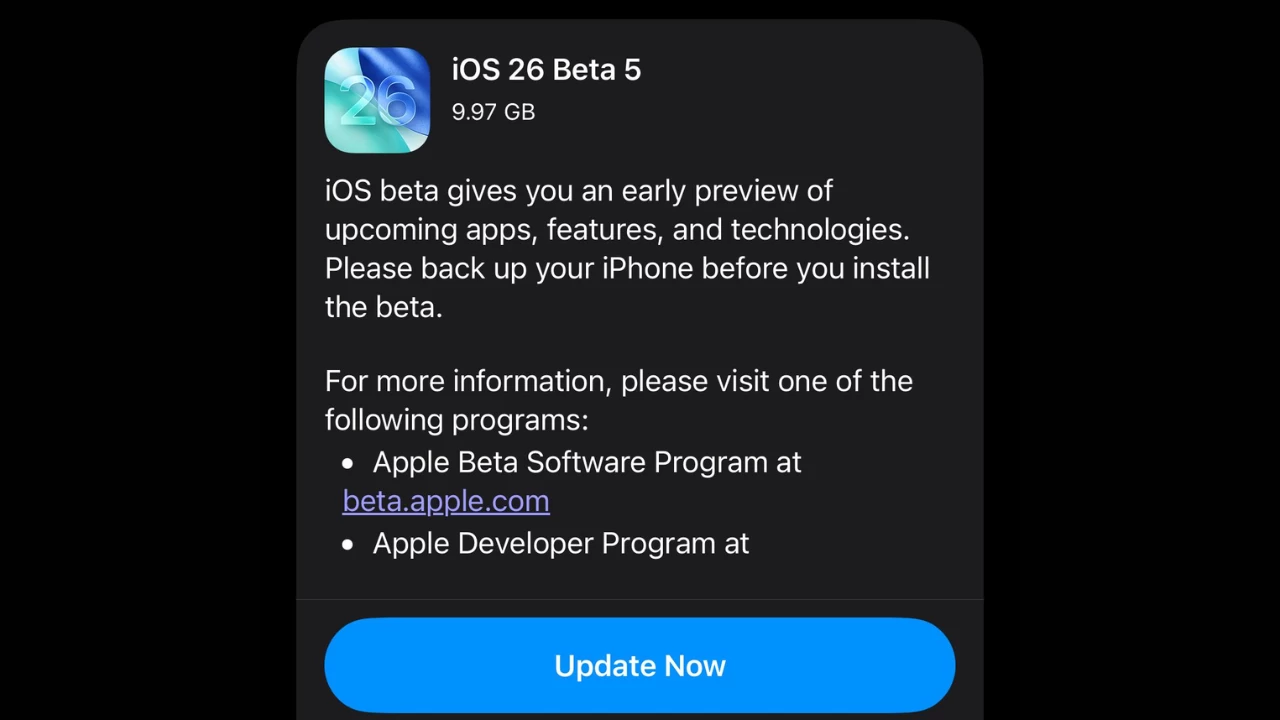


Apple released iOS 26 Beta 5 to developers as another step towards the expected release in September 2025. This new beta is built on 23A5308g, and it consists of a combination of understated design changes, performance enhancements and new features intended to improve the user experience on the iPhone. The update is available to developers in the Software Update section of the Settings app; a developer must have registered as an Apple developer to access it. The update further polishes the Liquid Glass look and adds useful improvements to such apps as Camera and Mail.
This beta is preceded by a 2-week period after Beta 4, and it is another sign of Apple's consistency in improving iOS 26. Compared with previous betas, Beta 5 is less feature-packed and is aimed at the stability of the system and the user interface. It also contains some clues on future hardware, including a bigger Apple Watch Ultra 3 screen. The early adopters and developers are requested to use the Feedback app to report the problems so that the final release could be shaped.
The Camera app settings have a new option called Classic Mode Switching that lets users switch the mode in the usual direction, scrolling down, as in older versions of iOS. This is an adjustment to user feedback that the new direction of swipe was difficult to get. The update improves the usability for those photographers that like to work by a familiar workflow.
The Mail app also has a new Select button on the top which lets you select emails without having to tap on the three-dots menu. This little yet convenient alteration accelerates the email handling process, which facilitates the organisation of inboxes. It indicates how Apple concentrated on the process of improving the experience with the users.
A redesigned AirDrop icon has been introduced in the share sheet, which fits in the Liquid Glass theme. Beta 5 also incorporates bouncy animations to the passcode entry and music controls on the lock screen, which make it look better. Animations as well as Control Centre are also much more responsive to swiping between pages.
Under the new Wi-Fi privacy labels found in the iOS 26 Beta 5, there is more information on the security of the network. Siri also supports predictive travel suggestions, which use location information to identify what actions users should take, e.g., informing the user about delays in public transport. These characteristics are meant to ensure that daily activities are smoother.
Among the pictures hidden in the beta is one that indicates an Apple Watch Ultra 3 with a display ever so slightly bigger at 422x514 pixels, up compared to the Ultra 2 at 410x502. This may imply a 1.98-inch display in case the pixel density remains the same, and this will provide a 3.1 per cent size enhancement. This already gives a clue about the future rugged smartwatch of Apple.
Beta 5 places more emphasis on system stability and quicker app launching as well as better battery life. The update to a modem improves Wi-Fi and cellular connection, which users have given negative feedback on for inconsistent performance during the previous betas. The changes provide a more seamless user experience as Apple makes a final release.