
Sign In
By signing in or creating an account, you agree with Associated Broadcasting Company's Terms & Conditions and Privacy Policy.
By signing in or creating an account, you agree with Associated Broadcasting Company's Terms & Conditions and Privacy Policy.
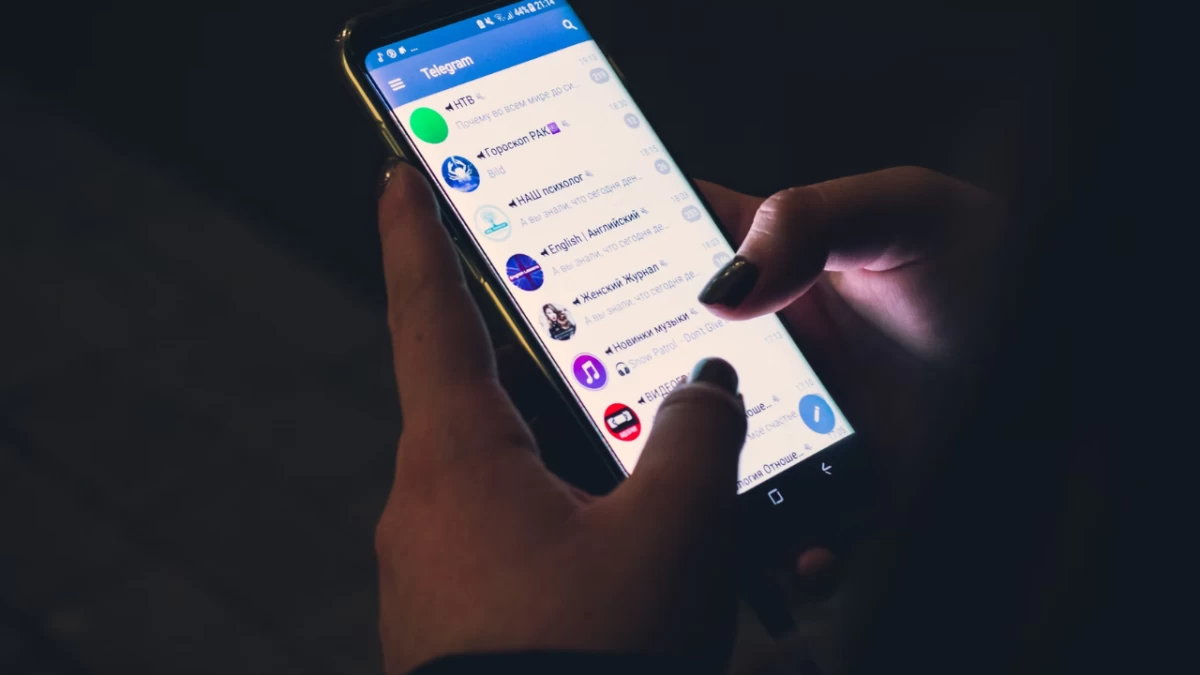


People today consider low smartphone battery life to be their modern equivalent of a crisis because smartphones have become essential in our times. Users who operate under Android sometimes discover themselves attached to power cords or rapidly observing the depletion of their battery percentage throughout their active day. Proper device adjustments combined with daily practices enable users to dramatically boost their device battery duration, which supports all their streaming and gaming needs and connects them effectively. The good news? Every person can achieve this result regardless of their tech expertise.
The newest version of Android technology includes power-saving features that many users cannot utilise effectively. Several minor system processes that operate in the background along with screen illumination settings combine to reduce battery life. The guide provides both expert technical advice together with practical steps that help users extend their Android phone battery duration.
Any Android phone faces its major power drain from the display component. The manual adjustment of brightness together with adaptive brightness controls helps extend battery life. Modern Android phones come equipped with dark mode functionality because it decreases energy usage, particularly on OLED screens that consume less power to display black pixels.
Android provides an essential battery-saving feature that regulates system performance to enhance longevity when your power runs low. You can activate it by hand or schedule its activation for a certain battery level, such as 15%. Samsung and Xiaomi smartphone users gain access to an "Ultra Power Saving Mode" which restricts their device to essential functions like calls and texts during emergency situations.
The automatic power drain from background applications happens without user interaction, although the apps remain hidden behind the active screens. Through the “Battery Usage” tool in Android, users can identify their power-draining applications. Background activities of these apps can either get restricted, or you can uninstall them if they do not offer essential functionality. Social media tools Facebook and X are well-known for their power drain, so users should either use different platforms or access them through their web versions instead.
WiFi and Bluetooth, together with mobile data, are beneficial features that cause battery depletion when kept active unrequired. The power of your device lasts longer when you disable Wi-Fi and Bluetooth features that are not required and select aeroplane mode in low-signal areas to prevent your phone from searching for a connection. The power drain from location services becomes worse when users allow them to operate continuously, so restrict their use to app activation times for apps that are not essential.