
Sign In
By signing in or creating an account, you agree with Associated Broadcasting Company's Terms & Conditions and Privacy Policy.
By signing in or creating an account, you agree with Associated Broadcasting Company's Terms & Conditions and Privacy Policy.
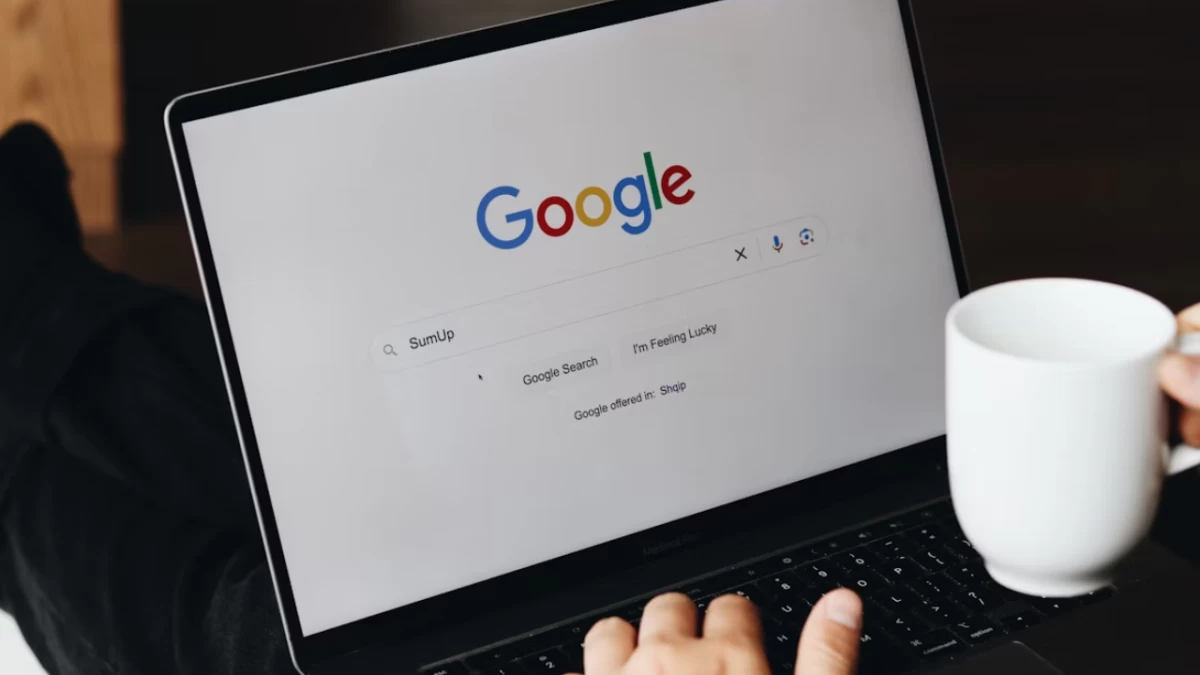


Online users face an ongoing threat from phishing attacks which specifically target Google accounts during this important digital security period. Cybercriminals now use advanced techniques to deceive users by impersonating official entities to obtain their sensitive information, such as usernames and passwords. Recent security reports show that phishing attacks increased by more than 30% in 2024 when hackers focused on stealing Gmail and Google Drive user data for personal information access and organised attacks. The importance of securing Google accounts rises in direct proportion to the increasing dependence on their email and cloud storage and productivity tools.
Users who want to protect their Google accounts from phishing scams can follow several practical security measures to increase their resistance. The reduction of security risks becomes possible when users practise protective behaviours combined with security features and maintain awareness according to expert recommendations. The combination of built-in security features with user recognition of email indicators lets users maintain constant security ahead of attackers.
Two-factor authentication (2FA) activation represents the most successful method for protecting your Google account. Security verification through another authentication method, like receiving a phone code, becomes necessary when you enable this feature. A phisher who obtains your login information will still need the additional security factor to successfully enter your account. Google users can choose between text messages and authenticator apps and physical security keys to achieve the highest level of safety when enabling 2FA. Security analysts advocate for authenticator applications or keys rather than SMS text messages because professional hackers can intercept SMS messages.
The phishing attack usually begins with an email message which appears as an official Google communication. Careful examination of every email message is necessary to escape becoming a victim. The correct sender address for Google emails is “@google.com”, so always verify the domain in every email you receive. Look at links with your cursor before clicking to see their final destination and never reply to time-sensitive requests that demand immediate verification to keep your account. Users should immediately view requests for passwords or personal information through Google email with suspicion, as the company seldom performs such enquiries in this manner.
Your defence capabilities receive support through built-in tools available from Google. Strong unique passwords are produced by the password manager, which securely stores them, thus protecting users from the danger of repeated login credentials. The Security Checkup tool provides users with a quick evaluation of their account status which detects outdated recovery information as well as suspicious behaviour. Periodic assessments of your security settings help you maintain an unharmed status. Additional security can be achieved by participating in Google’s Advanced Protection Program, which provides enhanced security to journalists and executives.
Phishers exploit outdated software because such systems tend to contain exploitable security vulnerabilities. Always install the most recent version of your browser and operating system and Google apps since updates fill in security vulnerabilities. Users should enable automatic updates whenever possible to stay protected without manual intervention. Anti-phishing protection starts with activating strong PINs or biometric locks to safeguard your devices because phishers will stay locked out from your accounts.