
Sign In
By signing in or creating an account, you agree with Associated Broadcasting Company's Terms & Conditions and Privacy Policy.
By signing in or creating an account, you agree with Associated Broadcasting Company's Terms & Conditions and Privacy Policy.
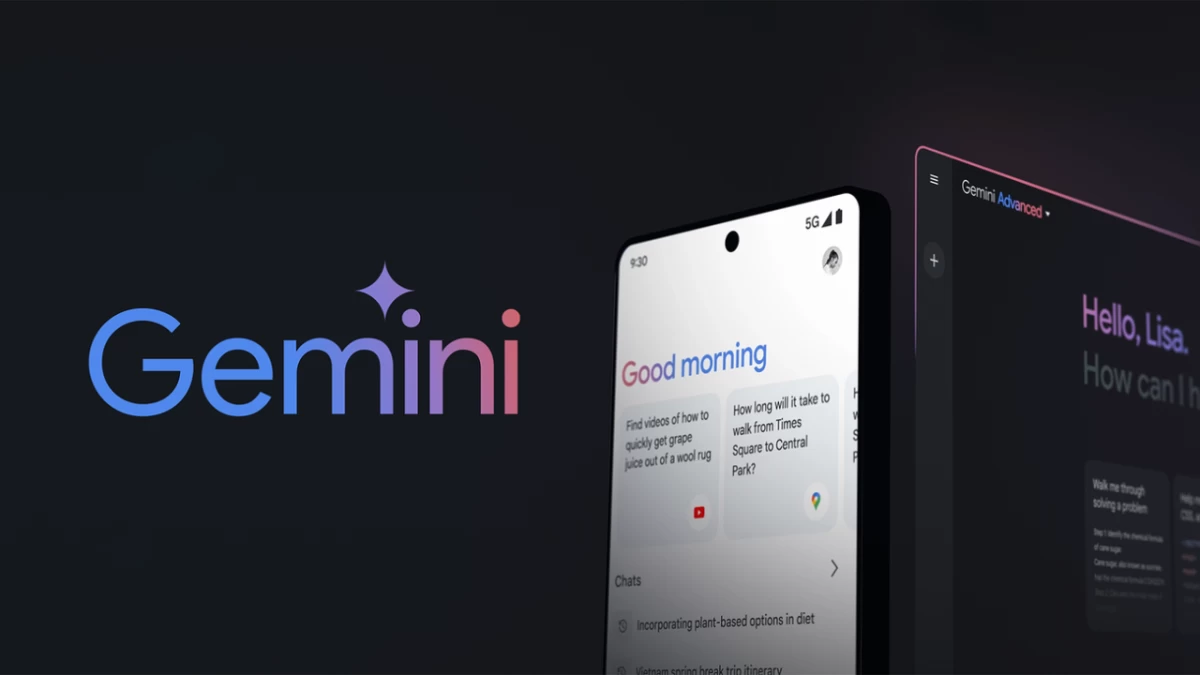


The versatile tool known as Gemini, formerly Bard by Google, stands as a versatile tool that aids users through daily routines during an era of artificial intelligence transformation. The conversational AI chatbot Gemini uses Google’s extensive ecosystem together with advanced language models to help users create schedules and generate creative thoughts. Gemini delivers a user-friendly interface and smooth Google service integration, which makes it the preferred tool for tech-orientated people who need to multitask.
The distinguishing feature of Gemini separates it from other tools since it collects current internet information while simultaneously linking to Gmail, YouTube, and Google Docs platforms. The system surpasses chatbot functionality since it functions as a custom digital assistant for contemporary user needs. The Gemini tool supports users who need to research projects at school, draft emails for work or manage family activities because it offers automated workflow assistance.
The process to use Gemini functions just like standard Google account authentication. You can access the clean chat window at gemini.google.com after signing in to start typing or speaking requests. The system requires only internet connectivity together with user curiosity to get started. Both Android users can access Gemini through their mobile app, while iOS users can access it through the Google application. The basic version of Gemini operates on Gemini Pro technology, which performs standard tasks, yet users need to subscribe to Google One AI Premium for $20 per month to access Gemini Advanced for advanced functionality.
The efficiency-enhancing features of Gemini become most apparent. Users need rapid summaries of articles that exceed their reading capacity. Link pasting is followed by an order to present the information in brief format. Draughting an email? Type an initial email instruction such as “Write a polite email rescheduling a meeting”, then modify the output according to your needs. Gemini uses its creativity to generate blog ideas and create food plans from available ingredients. The system connects to Google Workspace so users can access summary functions in Gmail and Docs through tagging with “@Docs” commands.
At home, it’s just as handy. Request Gemini to organise weekend plans while it also provides workout advice together with homework explanations for your children. The system provides current information about weather forecasts and local events as one of its main strengths, though it might sometimes fail to solve complex reasoning tasks.
Gemini isn’t flawless. Gemini shows several restrictions because it specialises in English language features, and its experimental format triggers occasional errors such as off-topic answers. The effectiveness of the tool improves through specific prompts such as “List five dinner recipes with chicken and rice” rather than general prompts like “What’s for dinner?” Check essential information carefully when working with AI because it may produce incorrect results. Google requires users to avoid disclosing sensitive information when the tool runs through anonymised data to enhance its performance.