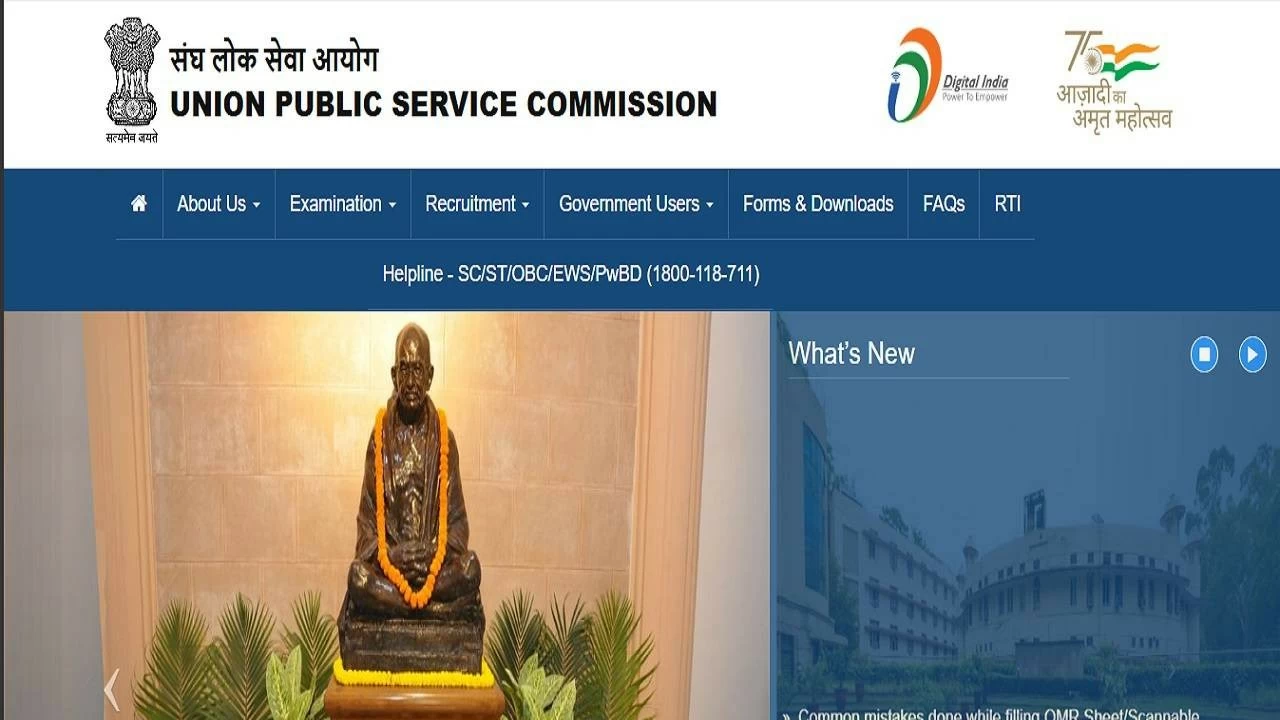
New Delhi: The Union Public Service Commission (UPSC) has released the admit cards for the Civil Services Examination (CSE) Mains 2025 examination. It has activated the UPSC Civil Services Mains admit card 2025 download link on the official website at upsc.gov.in. Candidates who got shortlisted for the UPSC Civil Services Mains exam 2025 can download admit card with their valid login credentials.
All the eligible candidates must enter their valid login credentials, such as registration number or roll number, and date of birth to download the UPSC CSE Mains hall ticket 2025. The Commission will be conducting the UPSC Civil Services Mains exam on August 22, 23, 24, 30 and 31. The written examination will be held in two sessions each day - morning shift (9 am to 12 noon) and afternoon shift (2:30 pm to 5:30 pm).
UPSC Civil Services Mains exam 2025 highlights
| Exam | Civil Services Examination (CSE) |
|---|
| Organiser | Union Public Service Commission (UPSC) |
| UPSC CSE Mains hall ticket mode | Online |
| Login credentials required | Roll number or registration number and date of birth |
| UPSC CSE Mains exam date | August 22, 23, 24, 30 and 31, 2025 |
| Official website | upsc.gov.in |
How to download UPSC Civil Services Mains admit card 2025?
Step 1: Open the official website of UPSC at upsc.gov.in
Step 2: Find the UPSC Civil Services Mains admit card 2025 link on the homepage
Step 3: Click on the admit card download page
Step 4: Fill in the login credentials such as roll number or registration number and date of birth
Step 5: Submit the mandatory fields
Step 6: Download UPSC IAS Mains admit card 2025 pdf
Step 7: Take a printout of e-admit card for future need
Candidates are advised to download the UPSC Mains e-admit card 2025 and check all the details with utmost attention. One should carry the admit card to the exam centre along with a valid photo identity card for verification purposes.