
Sign In
By signing in or creating an account, you agree with Associated Broadcasting Company's Terms & Conditions and Privacy Policy.
By signing in or creating an account, you agree with Associated Broadcasting Company's Terms & Conditions and Privacy Policy.
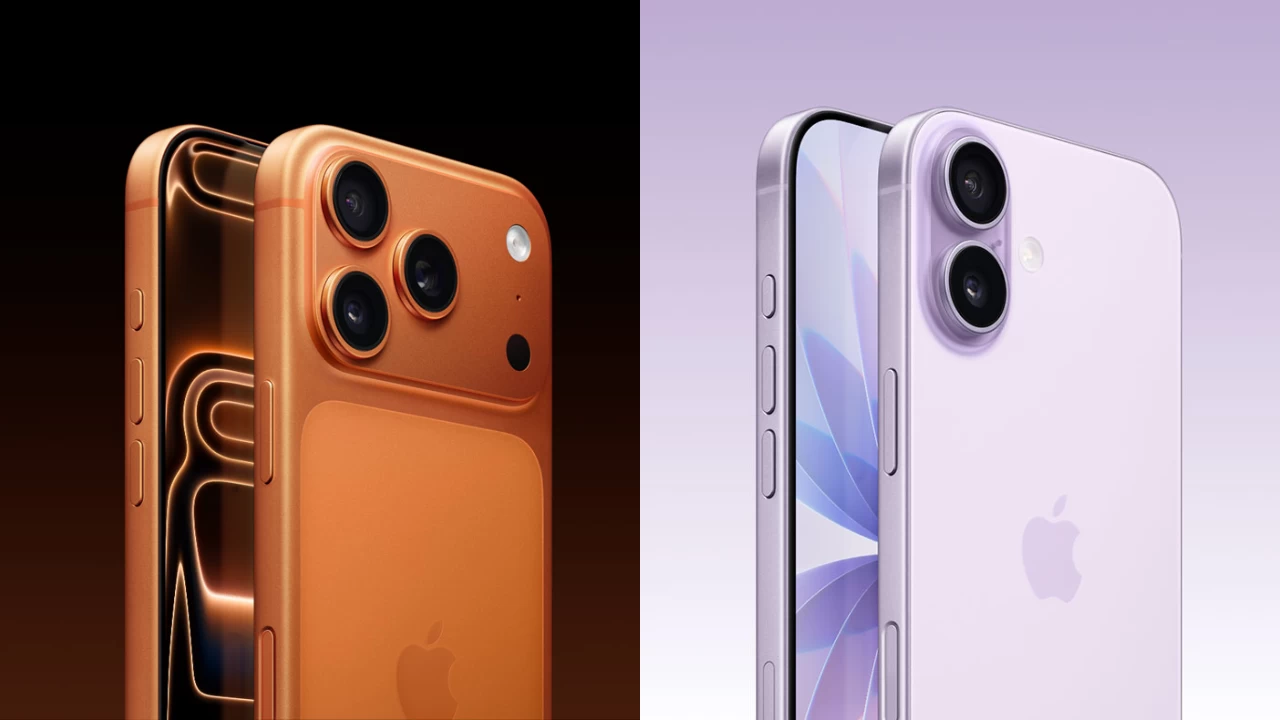
New Delhi: Apple has rolled out a new update, iOS 26.1, that brings a small but useful change to the iPhone’s interface. The update adds a new control for the Liquid Glass design, letting users adjust how transparent system elements like menus, notifications, and widgets appear.
Lately, iPhone users could only turn off transparency completely through accessibility settings, which made the interface look flat and removed the layered glass effect introduced with iOS 26. With this update, Apple has added a middle option so users can reduce transparency without losing the overall style.
To use the new feature, you’ll need to update your iPhone to iOS 26.1 or later. The update works on all iPhones that support iOS 26, from the iPhone 13 series to the latest iPhone 16 and iPhone 17 models. Once updated, go to Settings, then Display & Brightness, then Liquid Glass. There, you’ll find a new menu that lets you control how much of the background shows through the interface.
Apple gives you two choices in the Liquid Glass settings, including Clear and Tinted. The Clear option keeps the same glass-like effect that came with iOS 26, where everything looks shiny and see-through. However, Tinted reduce glare and make text easier to read, especially in bright light.
As you adjust the controls, a live preview appears, helping you choose the one that fits your preference. This change isn’t a huge update, but it fixes one of the biggest complaints users had about iOS 26’s look. With iOS 26.1, Apple has given users more control over how their iPhone looks, which allows them to enjoy the Liquid Glass effect while keeping things comfortable and easier to read.